








Key takeaways
- Fake “problem with your package” texts were the most reported text scam in the FTC’s latest yearly breakdown, usually pretending to be from USPS.
- People reported losing $470 million to text scams of all kinds in 2024, more than five times the 2020 figure, according to the FTC.
- USPS doesn’t text you unless you signed up for tracking with a tracking number, and those texts won’t include a link.
- Never pay a “redelivery fee” or enter card details from a text. Check your package on the carrier’s site or the store’s order page instead.
- Forward scam texts to 7726 (SPAM), report them at ReportFraud.ftc.gov, and call your bank right away if you already typed in card info.
Your phone buzzes: “USPS: Your package could not be delivered due to an incomplete address. Update your details here.” There’s a link, and maybe a small fee to “reschedule.” With holiday orders piling up, it sounds totally believable.
That’s exactly why scammers love it. Fake delivery texts work because almost everyone is waiting on a package this time of year, and nobody wants a gift stuck in limbo. Here’s how these scams work, the quick tells that give them away, and what to do if you already tapped the link.
Why delivery texts are the scammers’ favorite
The Federal Trade Commission tracks the fraud reports people file, and in its look at the top text scams of 2024, fake package delivery problems came in at number one. Most of those messages pretended to come from the U.S. Postal Service. They claim there’s an issue with your delivery and send you to a site that looks like the real USPS page but isn’t.
The money side is getting worse, too. The FTC says people reported $470 million in losses to text scams in 2024, more than five times what was reported in 2020. And since most fraud never gets reported, the real number is probably much higher.
The “small fee” part is the hook. According to the FTC, many people reported paying a tiny redelivery fee that turned out to be a trick to get their credit card number, and sometimes even their Social Security number. A $1.99 charge feels harmless. What the scammer really wants is everything you type into that form.
How the scam usually plays out
Most versions follow the same script:
- The text arrives. It says your package is on hold, the address is wrong, a delivery attempt failed, or you owe a fee, duty or tariff.
- There’s a link and a deadline. “Update within 24 hours or your package will be returned.” The rush is on purpose, so you don’t stop to think.
- The fake site looks real. Logos, colors and tracking-style pages copied from USPS, UPS, FedEx or DHL.
- You’re asked for details. Name, address, phone, card number, sometimes your date of birth or Social Security number.
- The data gets used or sold. Your card can get charged for much more than the “fee,” and your personal info can be used for other fraud.
The FCC also warns that some fake tracking links can try to install malware on your phone, laptop or tablet, not just steal what you type.
7 signs a delivery text is fake
- You never signed up for texts. The U.S. Postal Inspection Service says USPS won’t text or email you unless you first asked for tracking updates with a specific tracking number.
- It claims to be USPS and has a link. Even when you do sign up, USPS says its tracking texts will not contain a link. A “USPS” text with a link is fake.
- It asks for money or personal info. The FCC’s guide notes that FedEx doesn’t send unsolicited texts asking for money or personal details, and UPS won’t ask for payment or banking info by text or email.
- It pushes you to act right now. “Final notice” or “returned in 12 hours” is a pressure tactic. The FCC lists pressure to act immediately as a sign of a scam.
- The link looks off. Misspelled carrier names, random letters, odd endings, or a regular-looking phone number instead of a short code.
- It doesn’t match anything you ordered. No order, no shipping email, no tracking number you recognize? That’s a red flag.
- It wants a weird payment method. The FCC says requests for payment by gift card, crypto or cash apps are always fraudulent.
One wrinkle: DHL says it may ask for customs duties and taxes by email or text on international shipments, according to the FCC. That’s exactly the kind of gray area scammers copy. If you get a duty request, don’t use the link. Go to the carrier’s official site yourself and enter your tracking number from the store’s confirmation email.
How to safely check on a real package
The fix is simple: never use the link in a message you weren’t expecting. Instead:
- Open the store’s app or website and check your order page. It’ll show the carrier and the real tracking number.
- Use the tracking link in your original order confirmation email, not in a random text.
- Type the carrier’s web address yourself (usps.com, ups.com, fedex.com, dhl.com) or use their official app.
- Still unsure? Call the company using a phone number from its official website, not one from the text.
Shopping a lot this week? Our Black Friday scam red flags guide covers fake stores and too-good-to-be-true deals, and our tips on checking a deal’s price history help you spot fake discounts.
Already clicked the link? Do this now
Don’t panic. Clicking alone doesn’t always mean you’ve been robbed, but move quickly:
- Stop and close the page. Don’t enter anything else.
- Call your bank or card issuer if you typed in card info, using the number on the back of your card. Ask them to block the card and send a new one. The Postal Inspection Service says to notify your bank even if you only interacted with the site and didn’t hit “submit.”
- Change passwords for any account you logged into on that page, and anywhere you reuse that password. Even better, switch important accounts to passkeys so there’s no password to steal.
- Watch your statements for charges you don’t recognize, including small “test” charges.
- Check your credit if you gave out your Social Security number or date of birth. Here’s how to check your credit report for free. You can also freeze your credit with each of the three bureaus, which is free.
- Go to IdentityTheft.gov, the FTC’s site, if you think someone is using your info. It walks you through a recovery plan step by step.
If your info was exposed in a bigger breach, our post on what shoppers should do after a hack has more steps.
How to report a fake delivery text
Reporting takes a minute and helps get these numbers blocked:
- Forward it to 7726 (SPAM). This free short code sends the message to your wireless carrier so it can spot and block similar texts. Both the FTC and the Postal Inspection Service recommend it.
- Use your phone’s “Report Junk” or “Report spam” button in Apple Messages or Google Messages.
- Report fake USPS texts to spam@uspis.gov. The Postal Inspection Service asks you to paste the text into an email (without clicking the link), add a screenshot showing the sender’s number and date, and mention whether you clicked, paid or shared info.
- File a report at ReportFraud.ftc.gov. The FTC uses these reports to track scams and warn the public.
- Lost money? You can also report it to the FBI’s Internet Crime Complaint Center at ic3.gov.
After reporting, block the number and delete the text.
Cut down on scam texts going forward
You can’t stop every scam text, but you can make them easier to ignore:
- Turn on spam filtering. iPhones and Android phones both have settings to filter or hide texts from unknown senders, and most carriers offer free spam-blocking tools.
- Sign up for official tracking alerts only through the carrier’s own website or app. Then you’ll know what a real alert from them looks like.
- Keep your orders in one place. If you always check deliveries in the store’s app, a random “your package is stuck” text is easy to brush off.
- Talk to family. Older relatives and teens who shop online get these texts too. A 30-second heads-up can save them a lot of trouble.
The bottom line: real carriers don’t send surprise texts with links asking you to pay a fee or “confirm” your card. When in doubt, skip the link and check your order the way you normally would.
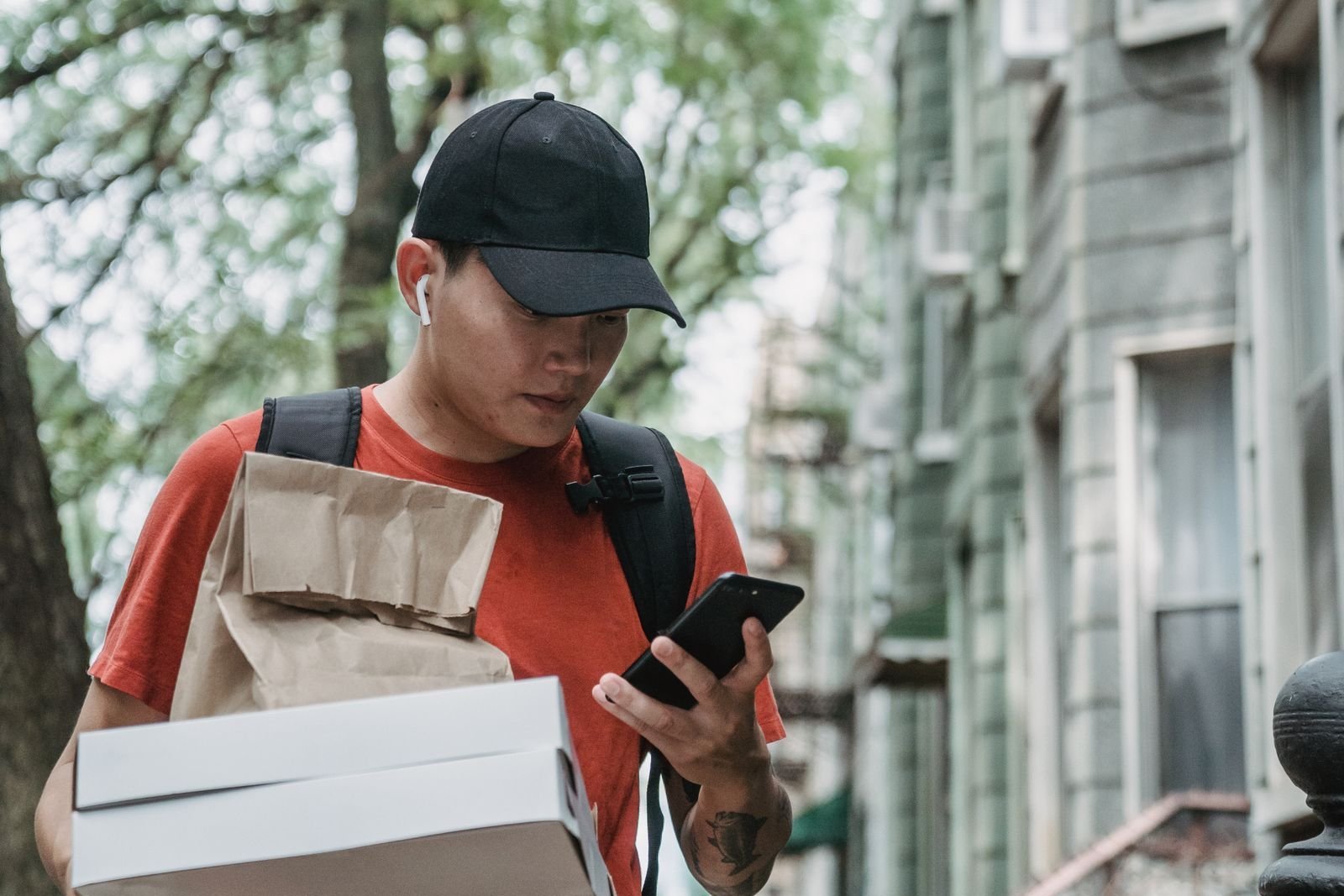
Photo: Mike Jones / Pexels
Sources
- Federal Trade Commission – Consumer Protection Data Spotlight: Top Text Scams of 2024
- Security Magazine – FTC Findings Show That Consumers Lost $470 Million to Text Scams
- Pennsylvania Legal Aid Network – New FTC Data Show Top Text Message Scams of 2024
- U.S. Postal Inspection Service – Smishing: Package Tracking Text Scams
- Federal Communications Commission – How to Avoid Package Delivery Scams
- Verizon – Report Spam Messages (7726)
- FTC – IdentityTheft.gov

2 thoughts on “Fake Package Delivery Texts: How to Spot Them and What to Do”