





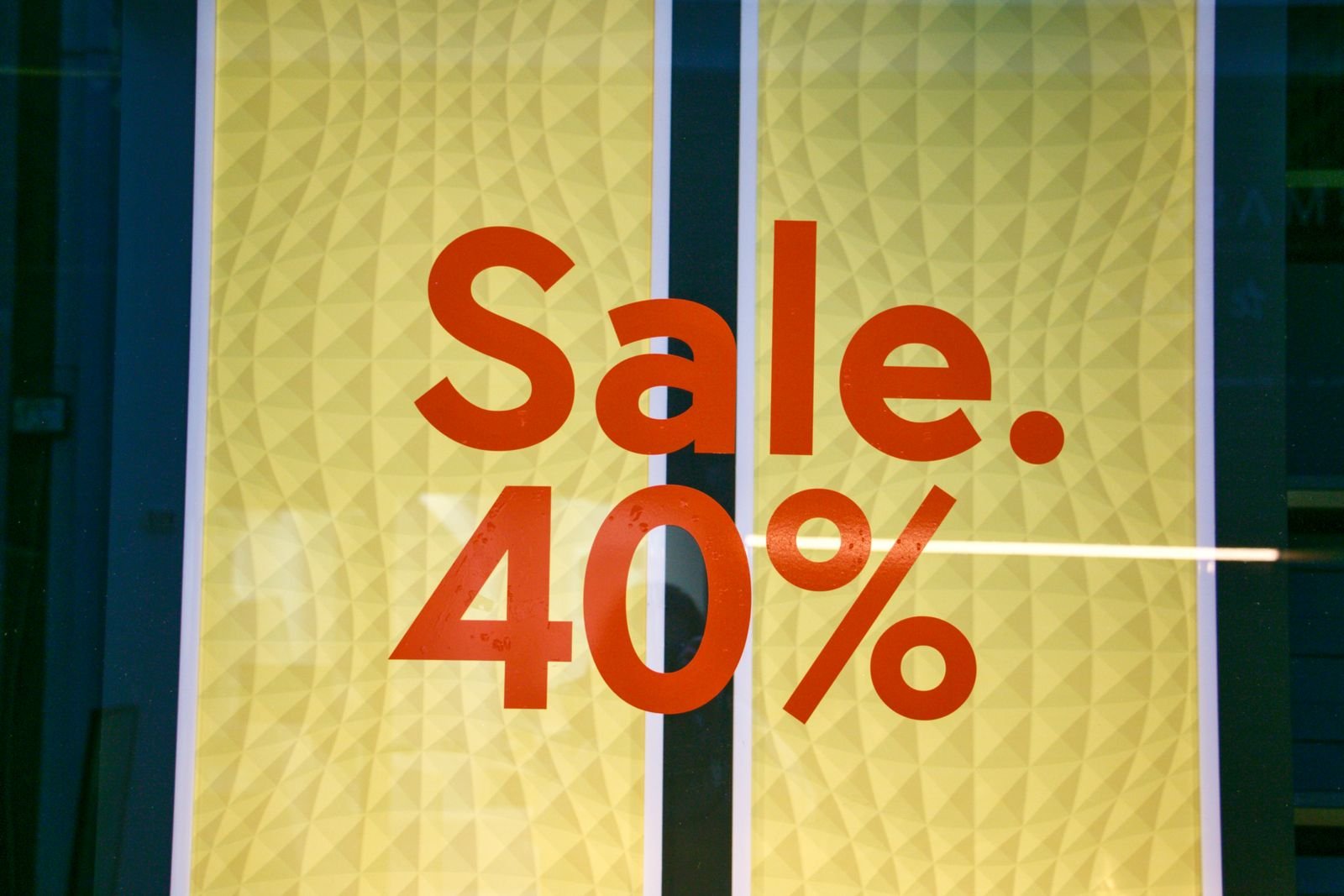
Every November the same thing happens: a giant red banner says 40% off, a countdown clock ticks, and your brain decides this is the moment. Sometimes it really is. But a “was” price on a sale tag doesn’t always tell you what the item actually sold for last week, and a little checking before you pay can save you from a fake bargain.
This guide walks through the free tools that show a product’s real price history, how to read them in under a minute, and the store policies that protect you if the price drops after you buy.
Quick checklist
- Look up the price history before you trust the “was” price.
- Compare the deal to the lowest price of the last 30 to 90 days, not to the list price.
- Set a price alert for things you don’t need today.
- Check the store’s price-adjustment and holiday return rules before checkout.
Why the “was” price can mislead you
Retailers like to show a crossed-out price next to the sale price. The Federal Trade Commission’s long-standing Guides Against Deceptive Pricing say a former-price comparison should be based on a genuine price that was openly offered to the public for a reasonably substantial period, not an inflated number set up just so a big discount can follow. Many crossed-out prices are also a list price or a manufacturer’s suggested price, which the product may rarely sell for.
How often holiday “deals” are not much of a deal is a real debate this month. On Nov. 16, the advocacy group Groundwork Collaborative published a report on more than 350 products Amazon promoted as deals during recent Black Friday and Cyber Monday events. It found 29.1% were priced the same or higher during the sale than in the month before, and 9.4% cost more. USA Today covered the report the same day.
Amazon strongly disputes it. In a public response, the company called the methodology flawed, said its own review of those products found 98% were priced the same or lower than over the past 30 days, and said it tightened its event rules further in 2026. You don’t have to pick a side to take the useful lesson: check the history yourself, item by item. It takes about a minute.
Tool 1: Google’s price insights (works across stores)
When you search for a product on Google and open its listing, Google can show prices from several merchants and a price history that labels the current price as low, typical or high. Google highlighted this in its Black Friday shopping tips this week, along with a “Track price” button that alerts you when the price drops.
If you use Chrome, the same data can show up right on a store’s product page. According to Chrome Help, Shopping Insights shows a product’s price history and typical range across the web, and you can track the price from there. To get it, you need to be in a supported country (the U.S. is one), signed in to Chrome, syncing tabs and history, and have “Make searches and browsing better” turned on. If you’d rather not share that browsing data with Google, skip this one and use the tools below.
Best for: electronics, appliances, toys and anything sold by several big retailers.
Tool 2: CamelCamelCamel (Amazon)
CamelCamelCamel is a free site focused on Amazon. Paste an Amazon product link into its search box and you’ll see charts of the price over time, with separate lines for items sold by Amazon itself, new items from third-party sellers and used items, plus the highest, lowest and average prices. You can enter a target price and get an email when it’s reached.
One note from the site itself: its features page says prices should always be double-checked on Amazon before you buy, because alerts aren’t instant and sellers change prices often.
Best for: checking one Amazon item quickly, with no account or extension needed to view the chart.
Tool 3: Keepa (Amazon, inside the page)
Keepa is a free browser extension that adds a price-history chart directly under Amazon product listings, so you see it without leaving the page. It also lets you track a product and get alerted when it hits your target price. It’s available for Chrome, Edge and Firefox. As with any extension, install it only from the official browser store and look at what permissions it asks for.
Best for: people who shop on Amazon a lot and want the chart every time.
How to read a price chart in 60 seconds
- Find the lowest price in the last 30 days. If today’s “deal” matches it, the sale isn’t new. It may still be a fair price, just not a special one.
- Zoom out to 90 days or a year. Many products follow a pattern: a price bump in early fall, then a “drop” in November back to roughly where it was in summer.
- Match the exact version. Color, storage size and model year can each have their own price. Compare the same one.
- Check who’s selling it. On Amazon, a cheap third-party listing can come with slower shipping or different return rules than the item sold by Amazon.
- Decide if you’d buy it at that price on a normal day. If not, the discount is doing the deciding for you.
Set alerts and let prices come to you
For anything that isn’t urgent, an alert beats refreshing pages. Pick a price you’d genuinely be happy to pay, set it in Google, CamelCamelCamel or Keepa, and move on with your day. This pairs well with a spending limit: if you haven’t set one yet, our guide on making a holiday budget you’ll actually stick to helps you decide what that number should be before the sales start.
Know the store’s price-drop and return rules
Buying a little early is less risky when the store will refund the difference. Best Buy, for example, says in its 2026 holiday announcement that its Holiday Price Match Guarantee covers you if the price of a product sold by Best Buy drops during the holiday season, and that most purchases made Oct. 30 through Dec. 31 can be returned through Jan. 15, 2027. Read the fine print, though: Best Buy’s price match page lists exclusions, including competitors’ prices from the Thursday before Thanksgiving through the Monday after.
Policies differ a lot from store to store and change every year, so look up the current page for wherever you’re shopping. A screenshot of the price on the day you buy makes any claim easier.
A real deal can still be a bad buy
A price tracker tells you if a price is low. It can’t tell you if the product is good, if you need it, or if the site is legit. Prices that look far too low on a store you’ve never heard of are a classic warning sign, so before checking out somewhere unfamiliar, run through our 7 red flags for Black Friday scams. And pay with a credit card when you can, since it usually gives you stronger dispute rights than a debit card if something goes wrong.
The bottom line
You don’t need to be a deal hunter to avoid fake discounts. Pick one tool, check the 30- and 90-day low before you buy, set alerts for the rest, and know your store’s price-drop rules. That’s a few minutes of work for the peace of mind that your “40% off” really was.
Sources
- eCFR: 16 CFR 233.1, Former price comparisons (FTC Guides Against Deceptive Pricing)
- Groundwork Collaborative: Deal or Decoy? Amazon’s Deceptive Discounts
- USA Today: Amazon offers ‘decoy’ discounts on Black Friday, watchdog group says
- Amazon: Correcting the record about Amazon’s deal-event pricing
- Google: How to find the best Black Friday deals and shop smarter
- Google Chrome Help: Shopping insights and price tracking in Chrome
- camelcamelcamel: Features
- Chrome Web Store: Keepa – Amazon Price Tracker
- Best Buy: Holiday calendar with Doorbusters and deals
- Best Buy: Price Match Guarantee
This article is for general information only and is not financial advice.